Brand
Logo files, colors, and type for the RouteRock website and app. The wordmark reads RouteRock.
Main logo
The stone mark with the wordmark. Route is navy. Rock is orange. Use this on light backgrounds. The JPG is the original artwork. The SVG is the screen version of the mark and the wordmark.
App icon and favicon
The flat stone mark is the app icon and the favicon. The RR monogram is white. The road line is orange.


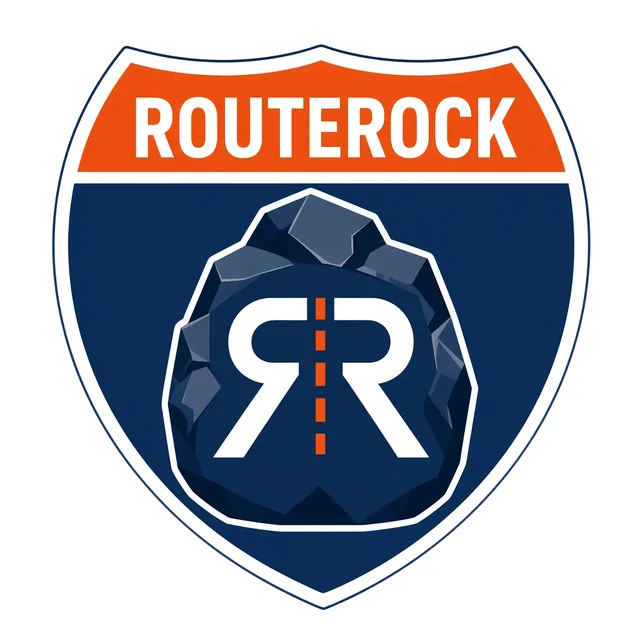
Shield
For shirts, decals, and banners. The orange band reads ROUTEROCK. The stone mark sits in the navy shield.
Colors
Deep navy is the primary color. Safety orange is for buttons and highlights. Steel gray is for secondary text and lines. Light gray is the page background. White is for surfaces.
-
Deep Navy
#1F2A44
Primary. About 60% of the brand. -
Safety Orange
#F58220
Buttons and highlights. Hover is #D8721C. -
Steel Gray
#6B7280
Secondary text and lines. -
Light Gray
#F4F5F7
Backgrounds. -
White
#FFFFFF
Surfaces.
Type
Montserrat. The wordmark uses Montserrat Black. Headings on the site use Montserrat ExtraBold. Body text uses Montserrat Regular.
RouteRock
Usage
- Use the main logo on light backgrounds.
- Use the flat stone mark for the app icon and favicon.
- Use the shield for shirts, decals, and banners.
- Keep the wordmark as RouteRock. Route stays navy. Rock stays orange.
- Give the logo room so the stone and the word stay readable. Keep the original proportions.
- Use the SVG files on screens. Use PNG or WebP when a raster file is required. The JPG files are the original artwork.