Driver time tracking
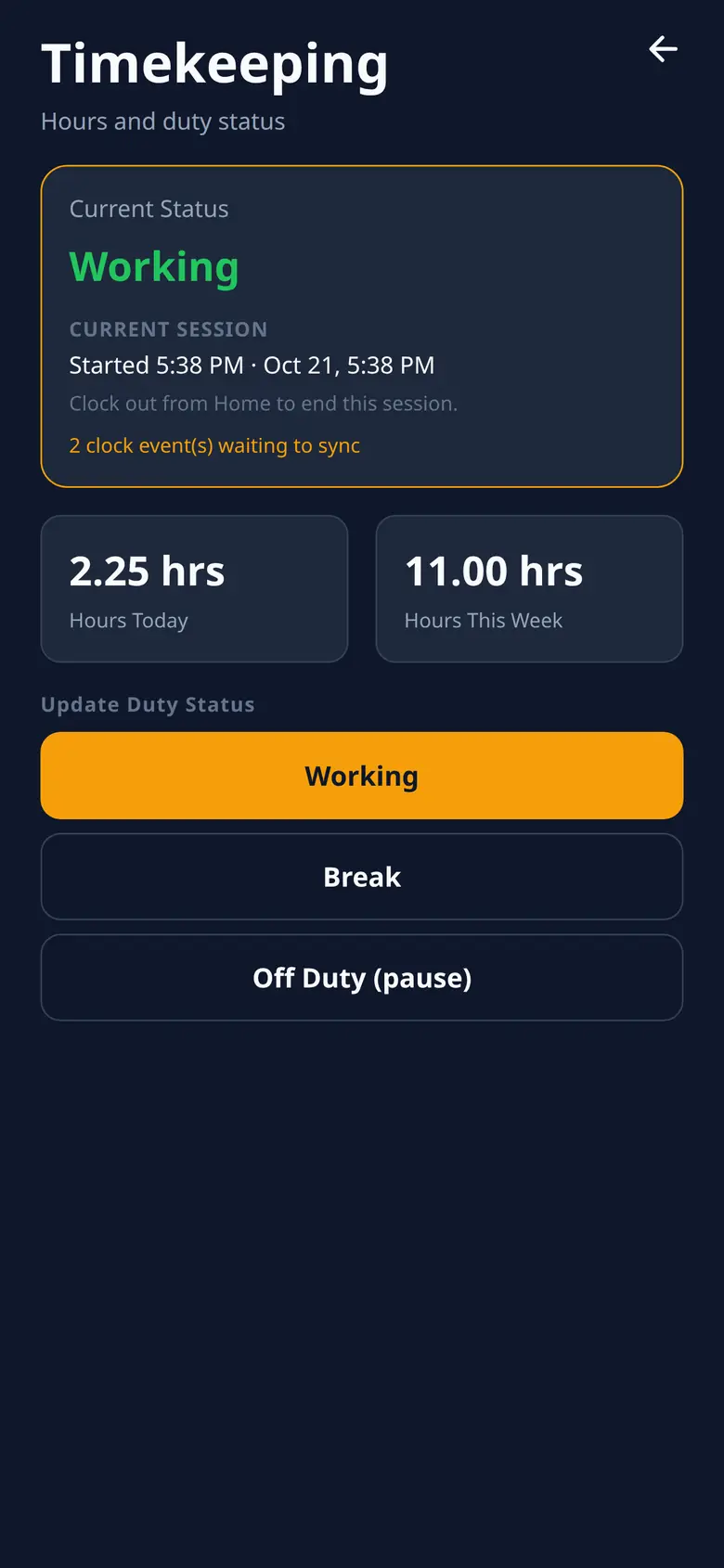
Clock-in and clock-out times fill in on their own. Drivers cannot edit them, so you keep the time the driver actually started and stopped.

Now rolling out
The paper ticket gets crumpled or never leaves the truck. RouteRock keeps a photo, plus a clock time the driver cannot edit.
Today
Clock-in and clock-out times fill in on their own. Drivers cannot edit them, so you keep the time the driver actually started and stopped.
The driver photographs the ticket and can open it full screen. You see the photo instead of a lost paper slip.
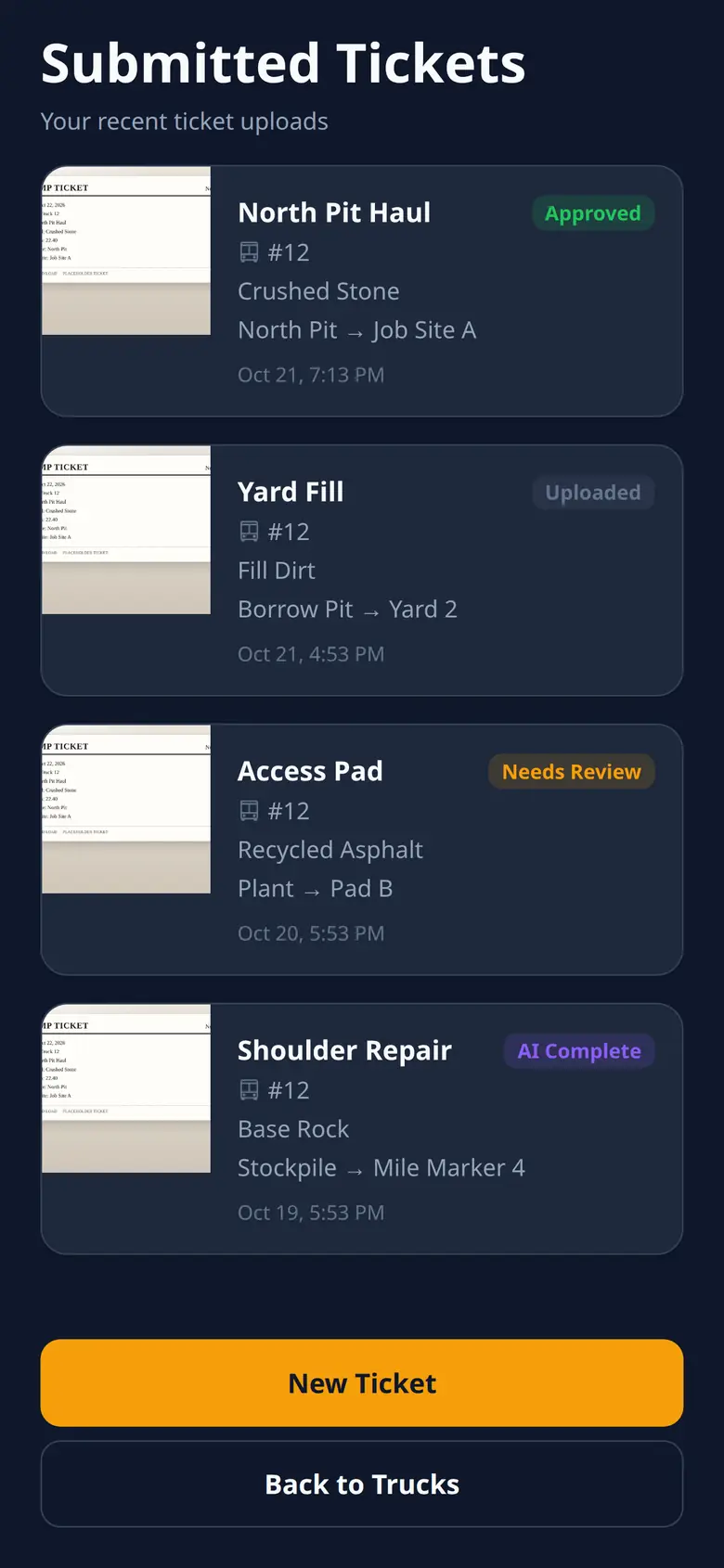
Every submitted ticket stays in a list. Open the photo again when you need that haul.
GPS runs only while the driver is clocked in, in the foreground and in the background. You see that location, and it stops at clock-out.
Clock events and GPS points stay on the phone and send when a signal comes back. Ticket photos are not held in that queue.
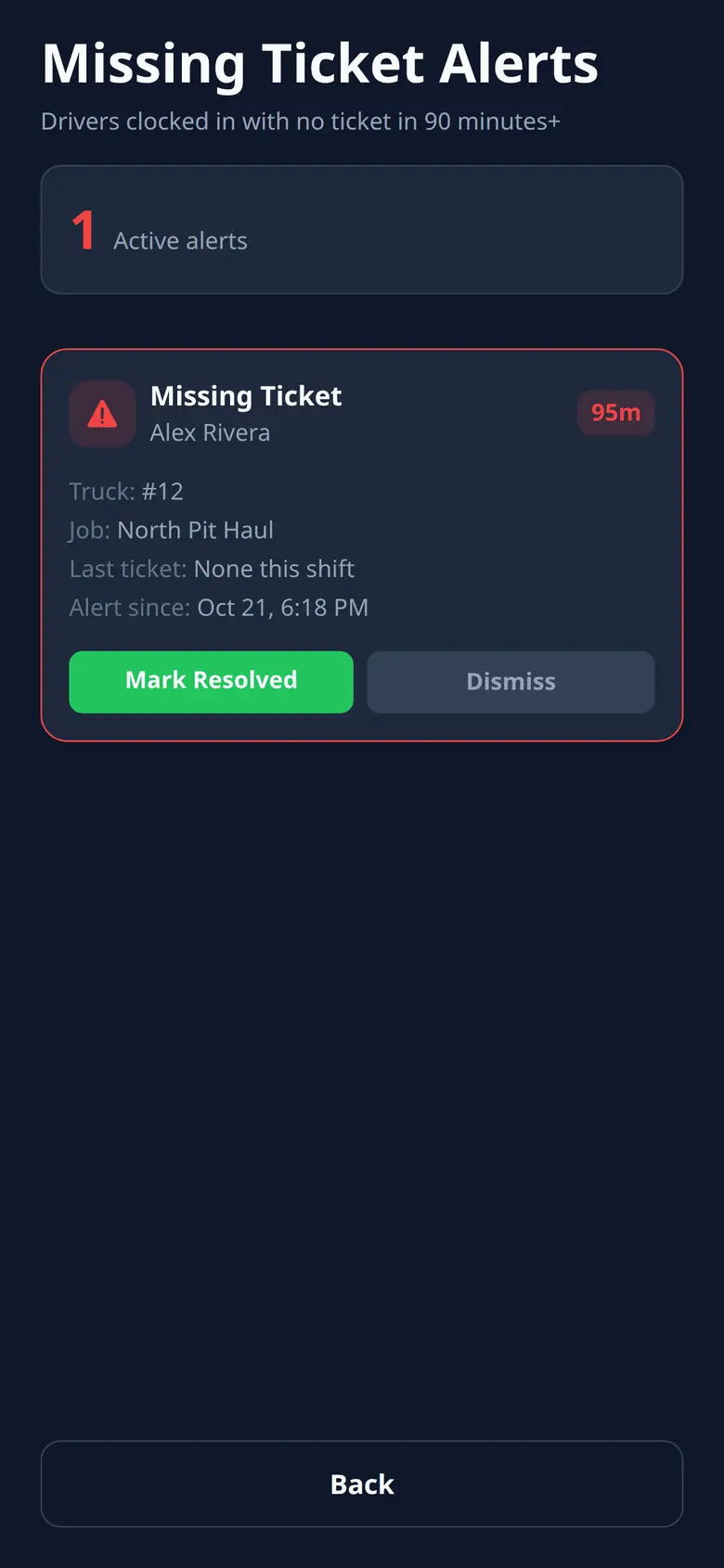
You get an alert when a haul still needs a ticket photo. You can see which loads are missing one.
Drivers also sign in, use settings, and send feedback from inside the app.
No. Clock-in and clock-out times fill in on their own. Drivers cannot edit them, so you keep the time the driver actually started and stopped. GPS runs only while the driver is clocked in, in the foreground and in the background. The full order is on haul ticket tracking.
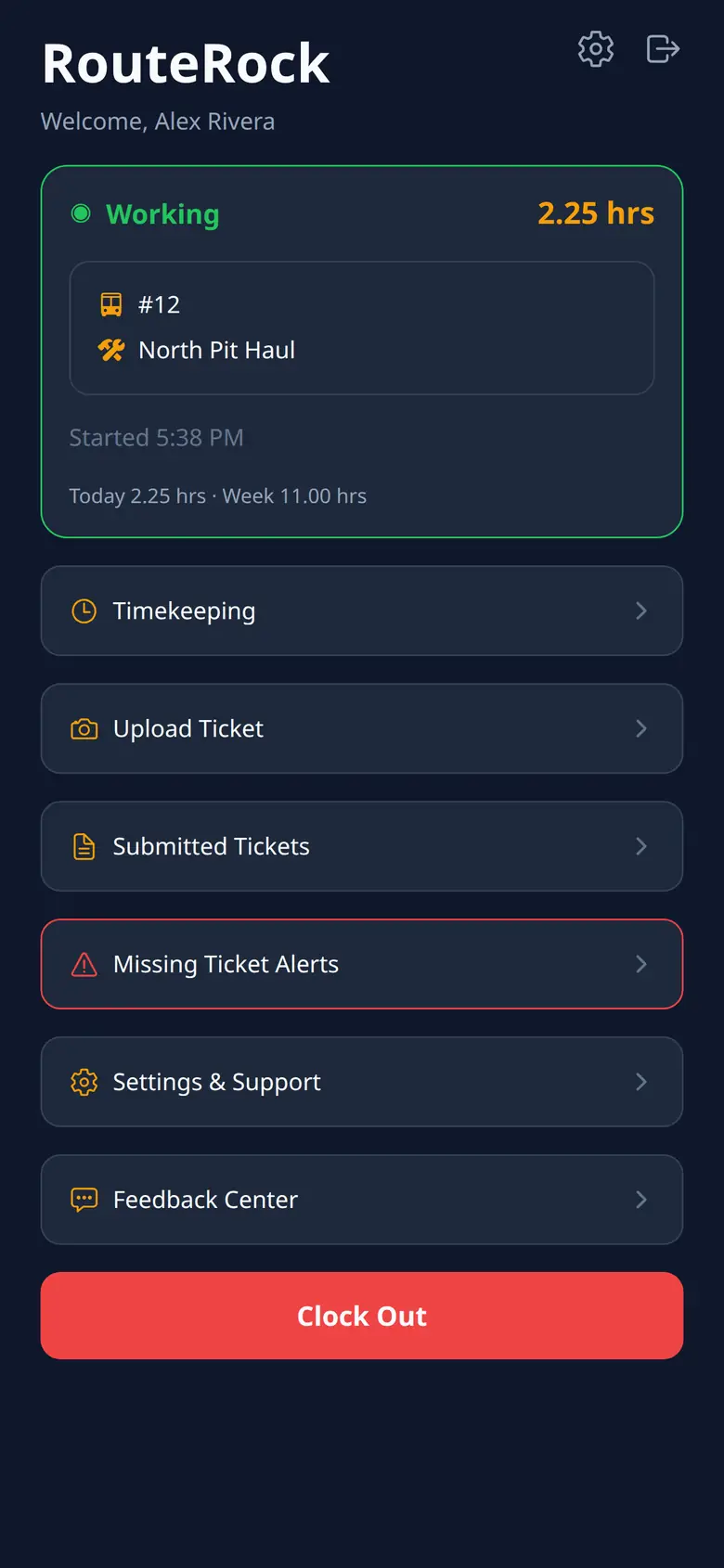
The driver photographs the ticket and can open it full screen. You see the photo instead of a lost paper slip. Submitted tickets stay in a list, and missing ticket alerts flag a haul that still needs a photo.
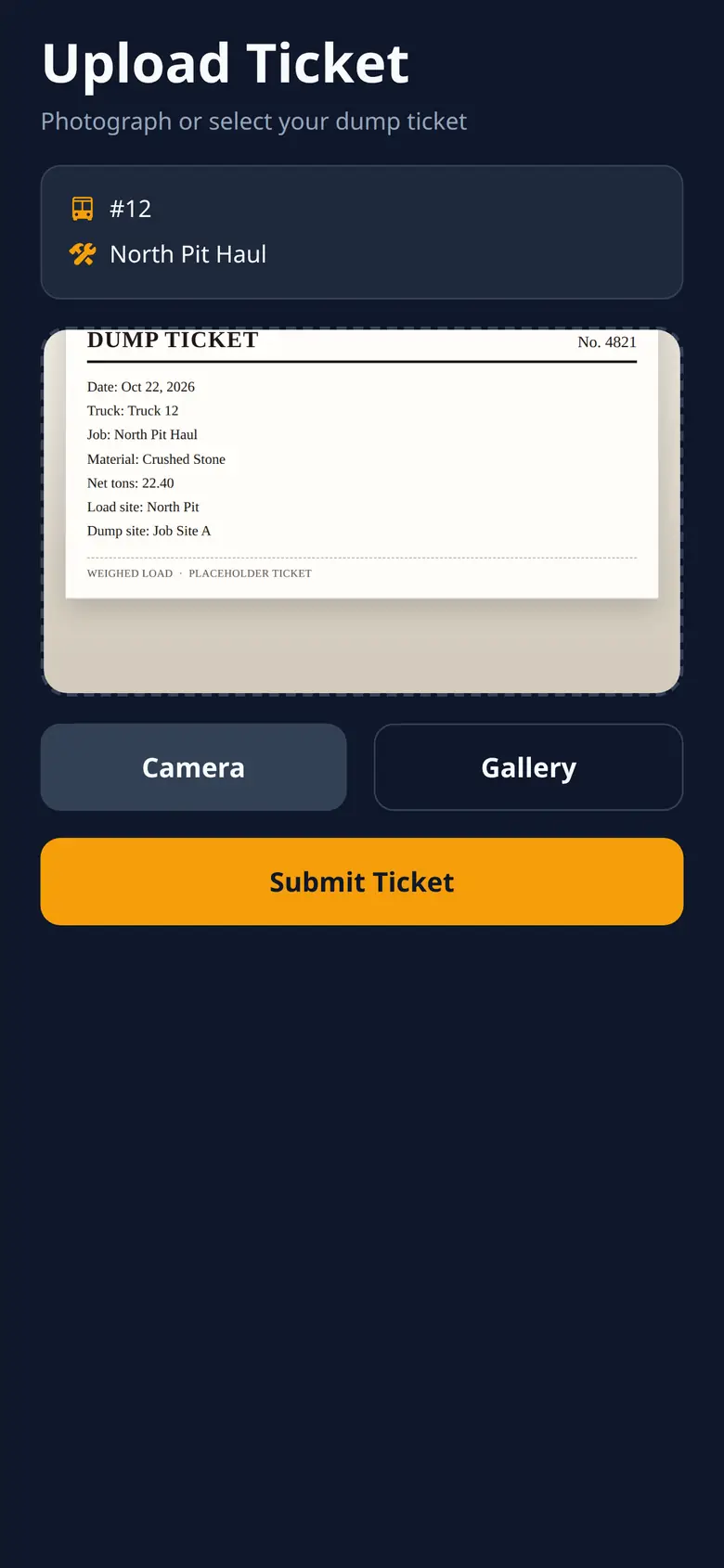
Every submitted ticket stays in a list in the dump truck ticket app. Open the photo again when you need that haul.
Missing ticket alerts flag a haul that still needs a ticket photo. You can see which loads are missing one.
Clock events and GPS points stay on the phone and send when a signal comes back. Ticket photos are not held in that queue. GPS still runs only while the driver is clocked in.
Not yet. Dispatch screens are not available yet. Today the driver's company can see clock times, ticket photos, and location from while the driver was clocked in. An owner live map, invoicing and reports, and admin screens are coming soon. See how a haul gets on record.
These are not available yet.